How does it work?
Show content on your screens in 3 simple steps with Cleverspace
 STEP 1
Create a free account
Sign up for free with just your name and email address. No credit card, invoice or postal address needed. Feel free to look around. You now have access to all our features and can even follow our quick, handy guided tours that show you how easy it is to get media, playlists and layouts onto screens in seconds. Free for 30 days!
 STEP 2
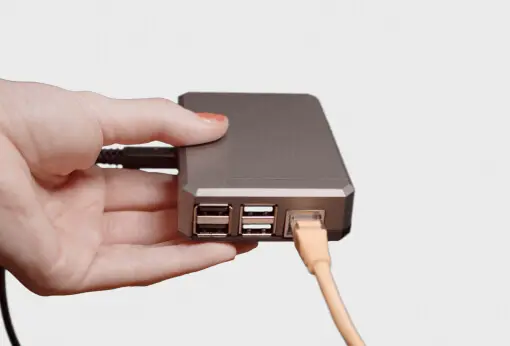
Receive your Cleverspace Player
With the Cleverspace media player, installation is a piece of cake. If you buy it from us, we preconfigure your Wi-Fi details for you, so it is ready to use straight out of the box. We also make sure it connects to your account automatically as soon as you plug it in. So you can put your screens to work right away.
 STEP 3
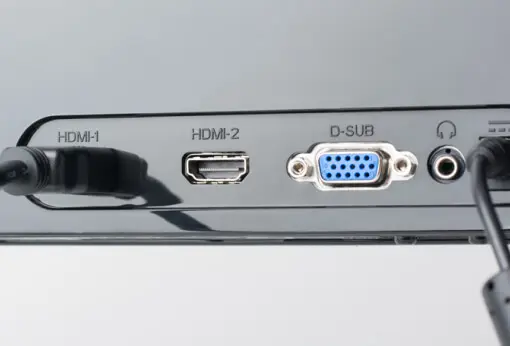
Connect it to your screen
Plug the HDMI to micro-HDMI cable (included when you order from us) into the left port of the player and connect the other end to your TV. Then plug in the player's power supply and it switches on automatically. And Bob's your uncle. Now all you need is great content to get your viewers excited. And that is easy too.
DONE!
Show media on your screens
in just a few clicks
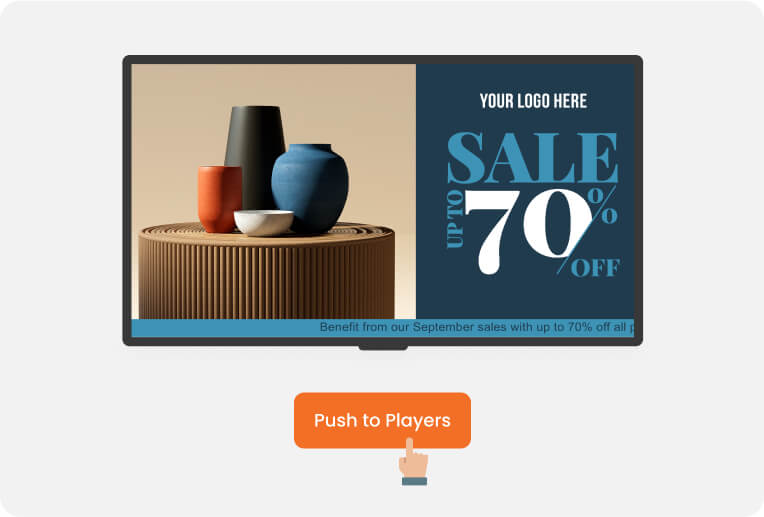
Show eye-catching media on your TVs at the push of a button. Simply drag your own media onto the platform (or choose from thousands of free stock images and videos), then click 'Push to Players'. On the move? Get content onto your screens via our online platform, no matter how far away from them you are.
Cleverspace in action in your browser
Start using fully featured digital signage NOW, on your laptop. Use Chrome or Edge and turn your PC's browser into a Cleverspace Web Player.
See what Cleverspace can do, then buy.
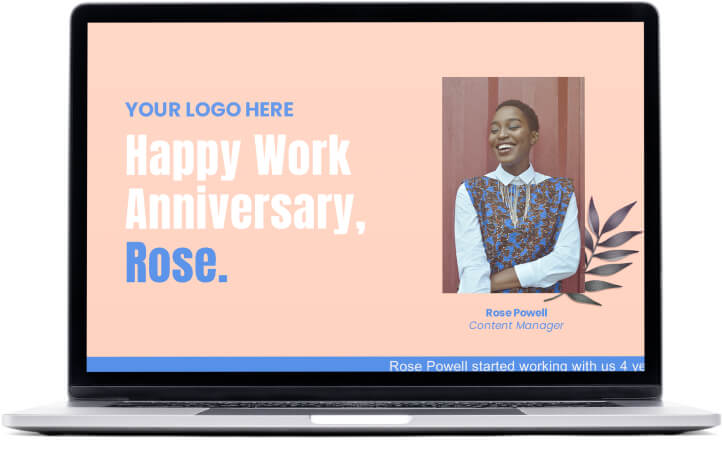
All you need is an internet connection and a Chrome or Edge browser
Other supported media players
Besides the Cleverspace media players, you can connect our software to a range of other popular hardware. That means more versatility to meet the needs of your deployment and a seamless switch to Cleverspace while keeping the hardware you already use.

Cleverspace Web Player
Recommended for testing or when you would rather not use external hardware. Ideal for pop-up events or to see Cleverspace in action within seconds.

BrightSign player
Already using BrightSign hardware for digital signage? Connect your existing setup effortlessly to Cleverspace's user-friendly, award-winning software.

Android player
Turn Android devices into digital signage with Cleverspace. Already have an Android-based system? Switch seamlessly to Cleverspace.

Tizen player
Use the Cleverspace software on any Samsung Tizen device for smooth playback and enjoy a user-friendly CMS.

webOS player
Use the Cleverspace software on any LG webOS device for smooth playback and enjoy a user-friendly CMS.

Windows player
Build your own Windows-based player with Cleverspace software and take your digital signage experience to the next level.
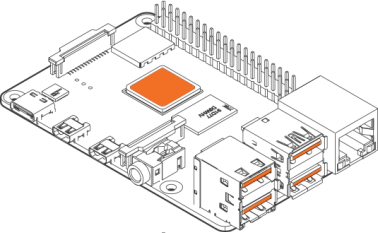
DIY Cleverspace Player
Already have a Raspberry Pi? Use it to build your own Cleverspace Player.
Get started with Cleverspace
Not yet convinced of Cleverspace's full potential?
Book a demo with our team and we will show you how we can help your business.